


ZHOUFENH
Licença Plus
-
Ingressou
-
Última visita
-
Has it not been released yet?
-
I was quite busy with business trips and work some time ago. I feel the community has changed a lot. Is this the latest version after downloading it? No need to update further?
-
What is this
-
It boasts great potential for expansion; If possible, it could serve as a personal boss fight set aboard an airship in the future, which would make for an awesome storyline.
-
😄Thanks for sharing, tksShould I give it a try and take action?I am a user from China. This is my first time using the simulator provided by Genesys, and it gives me a completely unique experience. I have been using the MU Online simulator for five or six years, yet the Genesys simulator made me decisively abandon my old one and switch to Genesys. Their after-sales service and all forms of support are extremely patient, with every question receiving a thorough response. I wish the Genesys simulator continued success, and hope every update exceeds users' expectations.
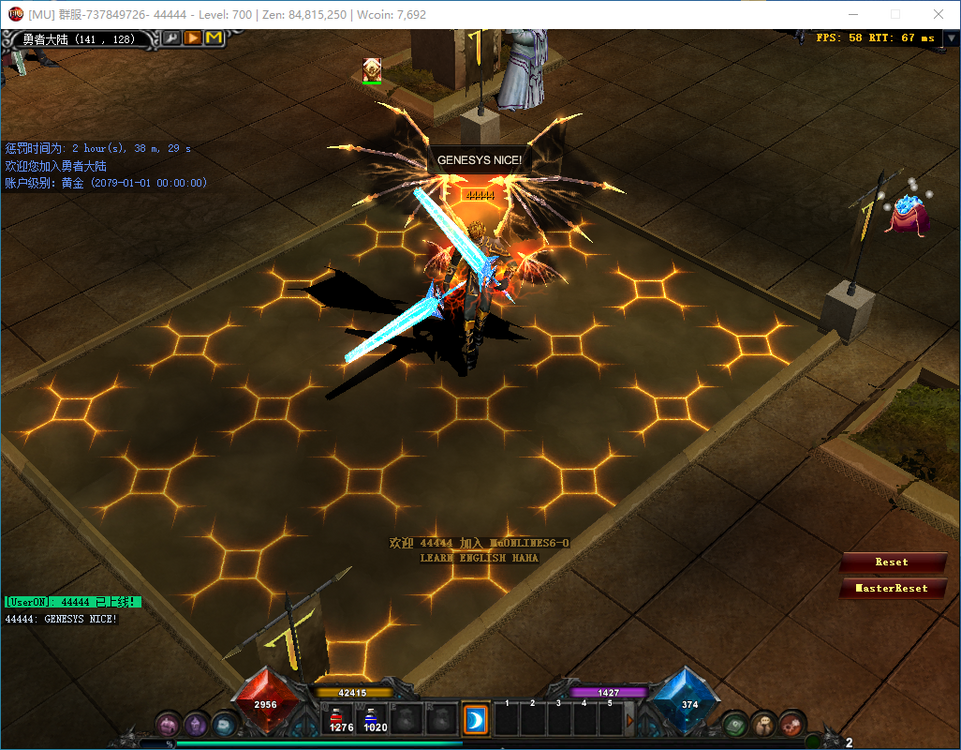 yes, niceAlright. Maybe the Lua scripts I wrote myself also need such an effect. When do you plan to work on the MasterSkillEditor?QQ20260710-004103.mp4 Is it the movement of the UI window? If yes, just refer to jewelbank.As a brand-new emulator that I've just started using it, this is my first time experiencing some difficulties. Of course, this is not a Genesys issue. It should be said that each team's simulator is different, and their usage methods or habits vary significantly. What I want to say is whether we can respond promptly and provide assistance. I find the time efficiency a bit too slow. Since I first learned about the team's simulator, I only subscribed to a one-month experience.Actually, I think it only needs to display the item name, level and the number of entries. Add the item display to the mouse hover effect.thanks,I saw it 😄


