


ZHOUFENH
Licença Plus
-
Ingressou
-
Última visita
Tudo o que foi publicado por ZHOUFENH
-
Has it not been released yet?
-
I was quite busy with business trips and work some time ago. I feel the community has changed a lot. Is this the latest version after downloading it? No need to update further?
-
What is this
-
It boasts great potential for expansion; If possible, it could serve as a personal boss fight set aboard an airship in the future, which would make for an awesome storyline.
-
😄Thanks for sharing, tksShould I give it a try and take action?I am a user from China. This is my first time using the simulator provided by Genesys, and it gives me a completely unique experience. I have been using the MU Online simulator for five or six years, yet the Genesys simulator made me decisively abandon my old one and switch to Genesys. Their after-sales service and all forms of support are extremely patient, with every question receiving a thorough response. I wish the Genesys simulator continued success, and hope every update exceeds users' expectations.
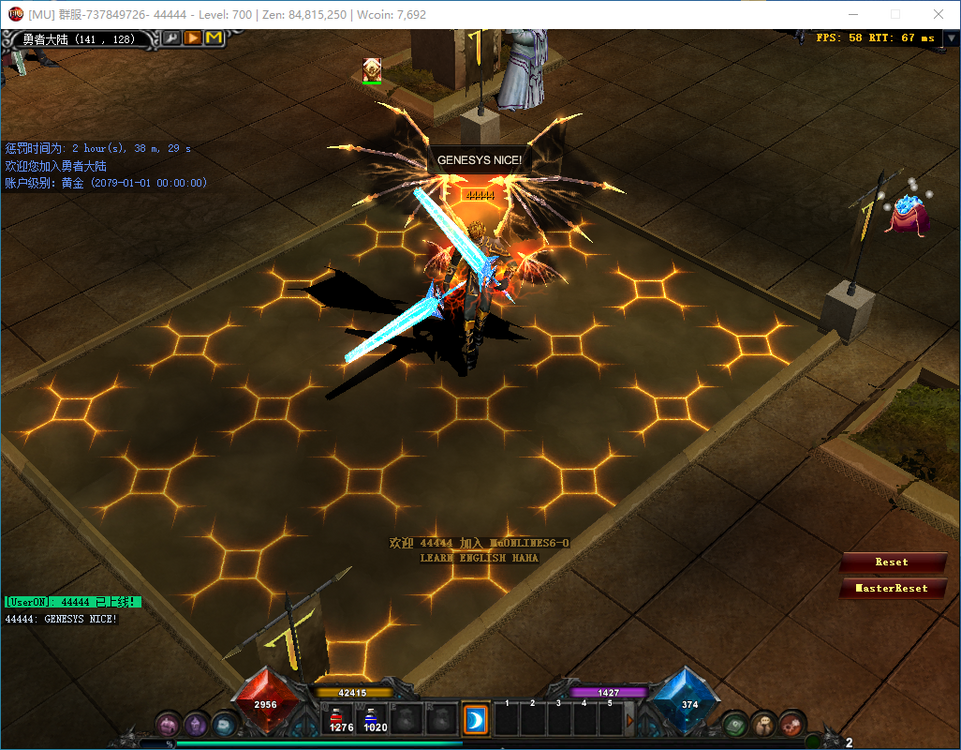 yes, niceAlright. Maybe the Lua scripts I wrote myself also need such an effect. When do you plan to work on the MasterSkillEditor?QQ20260710-004103.mp4 Is it the movement of the UI window? If yes, just refer to jewelbank.As a brand-new emulator that I've just started using it, this is my first time experiencing some difficulties. Of course, this is not a Genesys issue. It should be said that each team's simulator is different, and their usage methods or habits vary significantly. What I want to say is whether we can respond promptly and provide assistance. I find the time efficiency a bit too slow. Since I first learned about the team's simulator, I only subscribed to a one-month experience.Actually, I think it only needs to display the item name, level and the number of entries. Add the item display to the mouse hover effect.thanks,I saw it 😄In short, I think the execution logic you wrote is very rigorous.,niceWhy don't I have the window section and text section?? season6 plusClear configuration list for easy setup, including levels, attributes and randomly exchangeable items. However, there is a minor bug. When multiple exchangeable gems are available simultaneously, they will be processed in the order specified in the NpcExchangeConfig.lua list. It would be better if a UI interaction could be added to support selective exchange. -- NpcExchangeConfig.lua NpcExchangeConfig = { npcClass = 381, npcMap = 0, npcX = 140, npcY = 120, npcDir = 3, checkPosition = true, priceZen = 10000, -- Default Item Attribute Settings rewardLevel = 13, rewardSkill = 1, rewardLuck = 1, rewardOption = 7, rewardExcellent = 63, -- Multi-plan Exchange List ExchangeRecipes = { { name = "Blessing Exchange", sec = 14, idx = 13, lvl = -1, count = 1, coin1 = 100, pool = {{0,13},{0,14},{0,15},{0,16}} }, { name = "Soul Exchange", sec = 14, idx = 14, lvl = -1, count = 1, coin1 = 200, pool = {{5,5},{5,10},{5,11}} }, { name = "Life Exchange", sec = 14, idx = 16, lvl = -1, count = 1, coin1 = 300, pool = {{8,5},{8,10},{8,11}} }, { name = "Creation Exchange", sec = 14, idx = 22, lvl = -1, count = 1, coin1 = 400, pool = {{9,5},{9,10},{9,11}} }, { name = "Chaos Exchange", sec = 12, idx = 15, lvl = -1, count = 1, coin1 = 400, pool = {{10,5},{10,10},{10,11}} } } } -- NpcExchange.lua -- NPC Auto Exchange Script (Randomized Stats & Level Version) local config = NpcExchangeConfig or {} NpcExchange = NpcExchange or {} function NpcExchange.SpawnNpc() local npcIndex = AddMonster(config.npcMap) if npcIndex == -1 then return -1 end SetMapMonster(npcIndex, config.npcMap, config.npcX, config.npcY) local npc = User.new(npcIndex) npc:setDir(config.npcDir) SetMonster(npcIndex, config.npcClass) npc:setType(3) LogPrint("NPC Exchange spawned.") return npcIndex end if LuaCore ~= nil and LuaCore.SafeCall ~= nil then LuaCore.SafeCall("NpcExchange.SpawnNpc.Init", NpcExchange.SpawnNpc) else NpcExchange.SpawnNpc() end GameServerFunctions.NpcTalk(function(npcIndex, playerIndex) local player = User.new(playerIndex) local npc = User.new(npcIndex) if npc:getClass() ~= config.npcClass then return false end -- 1. Matching Scheme local recipe = nil for _, v in ipairs(config.ExchangeRecipes) do if GetItemCount(playerIndex, v.sec, v.idx, v.lvl) >= v.count then recipe = v break end end if not recipe then SendMessage("NPC Lua: You do not have the required materials.", playerIndex, 1) return true end if player:getMoney() < config.priceZen then SendMessage("NPC Lua: Zen not enough.", playerIndex, 1) return true end -- 2. Deduct items and Zen TakeItem(playerIndex, recipe.sec, recipe.idx, recipe.lvl, recipe.count) player:addMoney(-config.priceZen) -- 3. Random attribute generation local rLevel = math.random(7, 15) -- Level: 7 to 15 local rLuck = math.random(0, 1) -- Luck: 0 or 1 local rOption = math.random(1, 7) -- Option: 1 to 7 local rExc = math.random(10, 63) -- Excellent: 10 to 63 -- 4. Distribute reward items with random attributes local item = recipe.pool[math.random(1, #recipe.pool)] -- Pass the randomized rLevel, rLuck, rOption, rExc GiveItem(playerIndex, item[1], item[2], rLevel, 0, 1, rLuck, rOption, rExc, 0, 0, 0, 0) -- 5. Distribute points if recipe.coin1 and recipe.coin1 > 0 then player:addCoin1(recipe.coin1) end SendMessage("NPC Lua: " .. recipe.name .. " completed!", playerIndex, 1) LogPrint(string.format("Exchange Success: %s | Recipe: %s | LV:%d L:%d O:%d E:%d", player:getName(), recipe.name, rLevel, rLuck, rOption, rExc)) return true end)


